
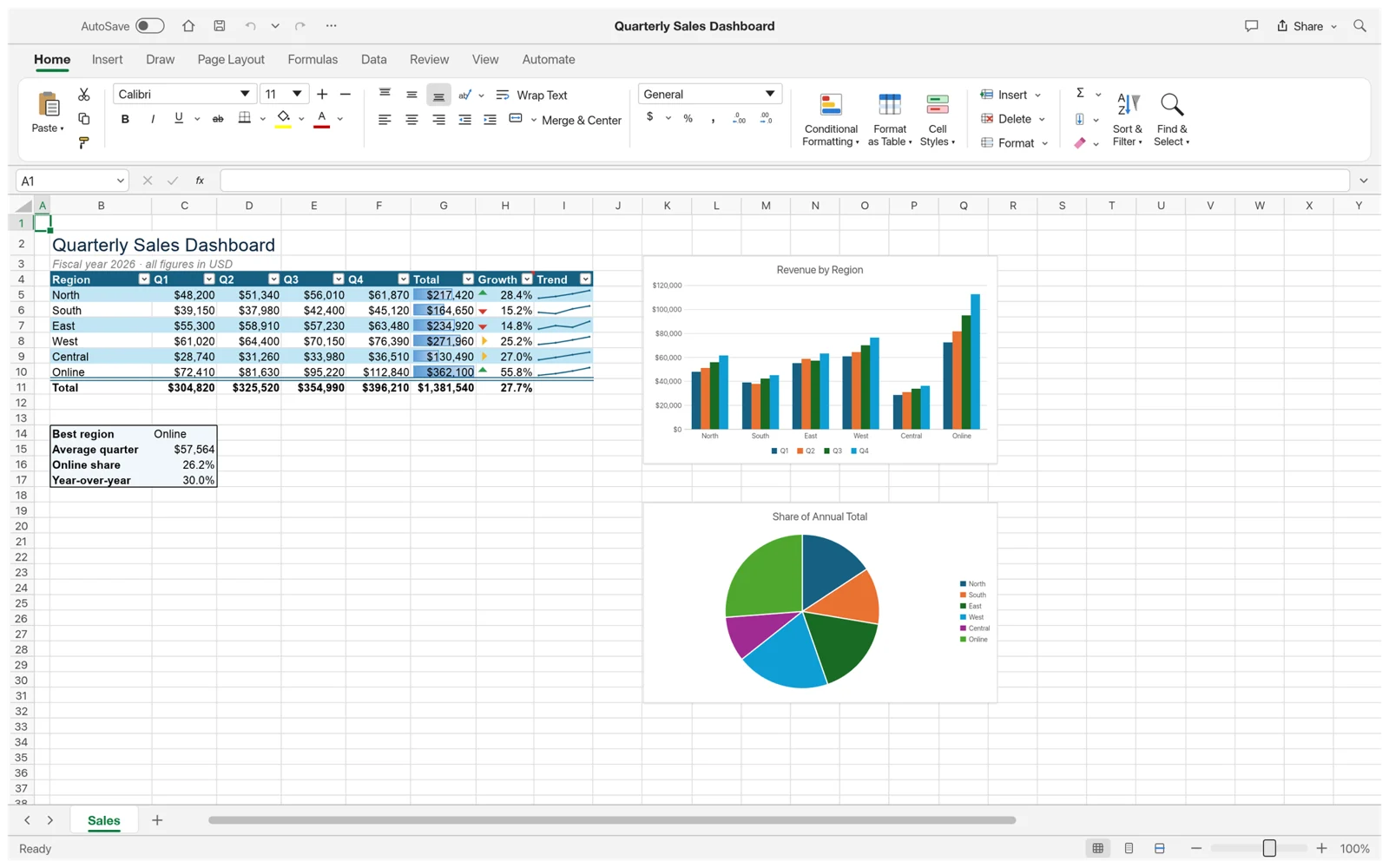
Choose GridCraft when you want to explore an open-source spreadsheet with local files and a familiar grid. Choose an appropriate Excel edition when your work depends on established Excel workflows, shared Microsoft 365 documents or existing VBA. The deciding factor is the workbook and the people who need to use it.
Compare the workflow, not just the ribbon
GridCraft resembles Excel, but a familiar toolbar does not establish feature parity. This comparison uses the v0.7.0 build available on this site and separates Excel for the web from Excel desktop. Feature availability can vary by Excel plan, platform and release.
| Need | GridCraft | Excel |
|---|---|---|
| Cost and licensing | Open-source, MIT or Apache-2.0; no app subscription. | Proprietary. A free web edition exists; desktop access depends on the license or plan. |
| Excel files | XLSX read/write; test the features your workbook uses. | Native Excel workflow; web and desktop capabilities differ. |
| Existing VBA | Does not execute VBA. | Supported in applicable desktop editions; not executed in Excel for the web. |
| Shared editing | This site’s editor uses local file open/download; no shared editing flow is provided here. | Coauthoring is available in supported Microsoft 365 and web workflows. |
| Where it runs | Desktop builds for macOS, Windows and Linux; browser build available. | Desktop, web and mobile offerings; check the edition for your device. |
When GridCraft is a useful starting point
A self-contained workbook is a good evaluation case: a household budget, a small inventory, a class tracker or a personal planning sheet. You can define the expected result, inspect every important cell and keep the saved file yourself. Try the browser sample first if you want to understand the interface before installing a desktop build.
Open-source access is another reason to evaluate it: a developer can inspect the project and its documented limitations. That is useful context, but it is not evidence that a particular calculation is correct. Verify results with a small example before moving a recurring task.
When to keep Excel in the workflow
Start with the requirements that would stop your work if they failed. Examples include a VBA button that generates a report, a recurring data refresh, a shared workbook edited by several colleagues, or a customer who needs an exact Excel layout. Treat these as acceptance criteria before considering a switch.
GridCraft’s alpha status and documented gaps make advanced workbook exchange something to test, not assume. Keeping Excel for a dependency-heavy workbook while trying GridCraft on a separate, simpler task is a practical way to learn what fits. A tool does not need to replace every spreadsheet in order to be useful.
Run a small side-by-side evaluation
- Choose one representative workbook and keep an untouched original. Write down three things that must work, such as the total, a chart and the saved output.
- Make the same small edit in separate copies in both tools. Compare the displayed result and the formula text. Record any difference rather than explaining it away as a formatting issue.
- Save from GridCraft, reopen in Excel and review the result. Ask a collaborator to inspect the file if sharing is part of the real task. A successful save is only the middle of the test.
- Decide per task. Keep a short list of what passed, what needs a workaround and what failed. Repeat the relevant checks after upgrading the software.
Three everyday scenarios, three different decisions
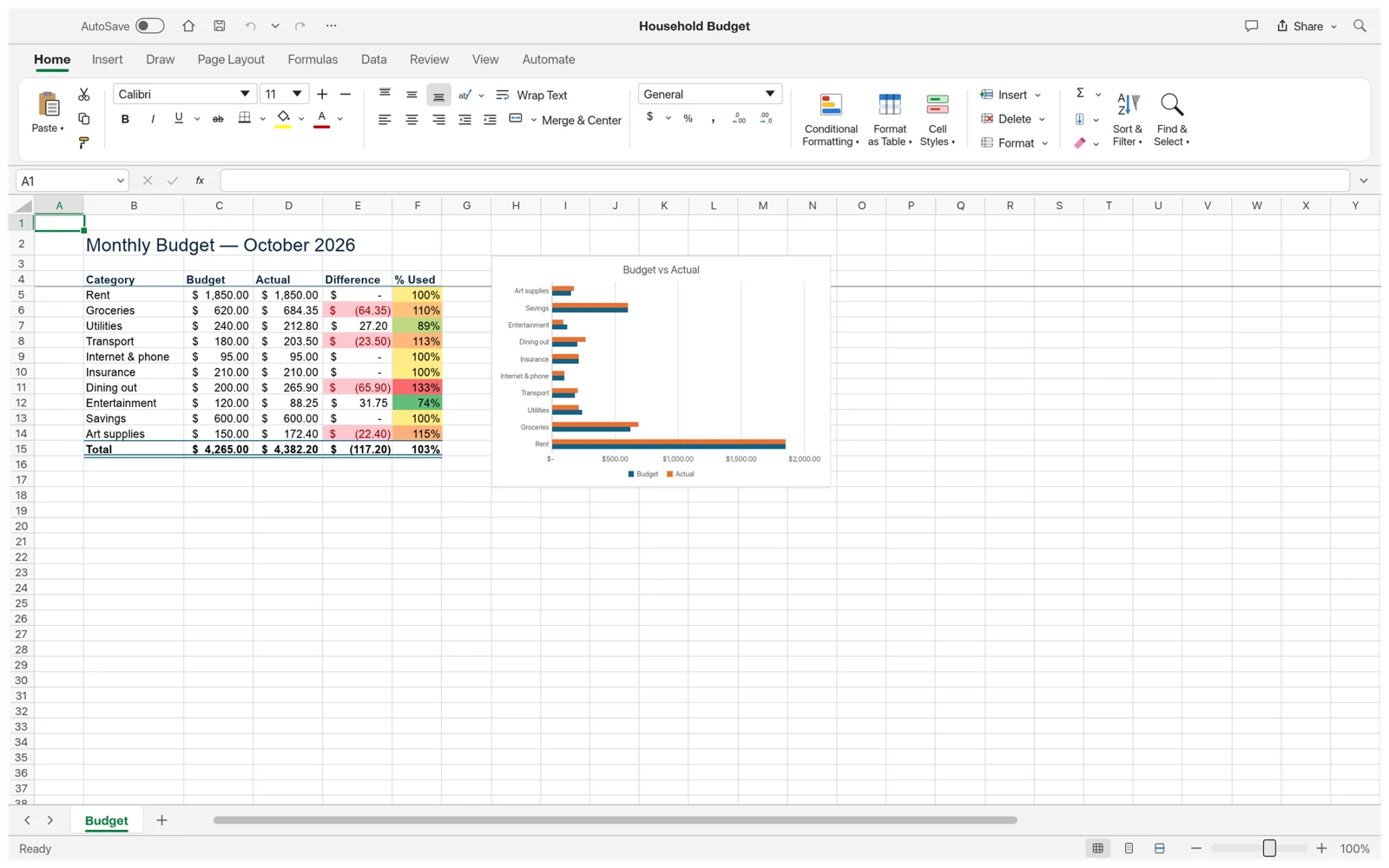
A personal expense workbook has a short list of categories, a few totals and one chart. You are the only editor and can easily check the result. This is a reasonable task for evaluating GridCraft: start from a copy, make a change and reopen the saved output. The important questions are whether the calculations remain correct and whether you find the workflow comfortable enough to repeat each week.
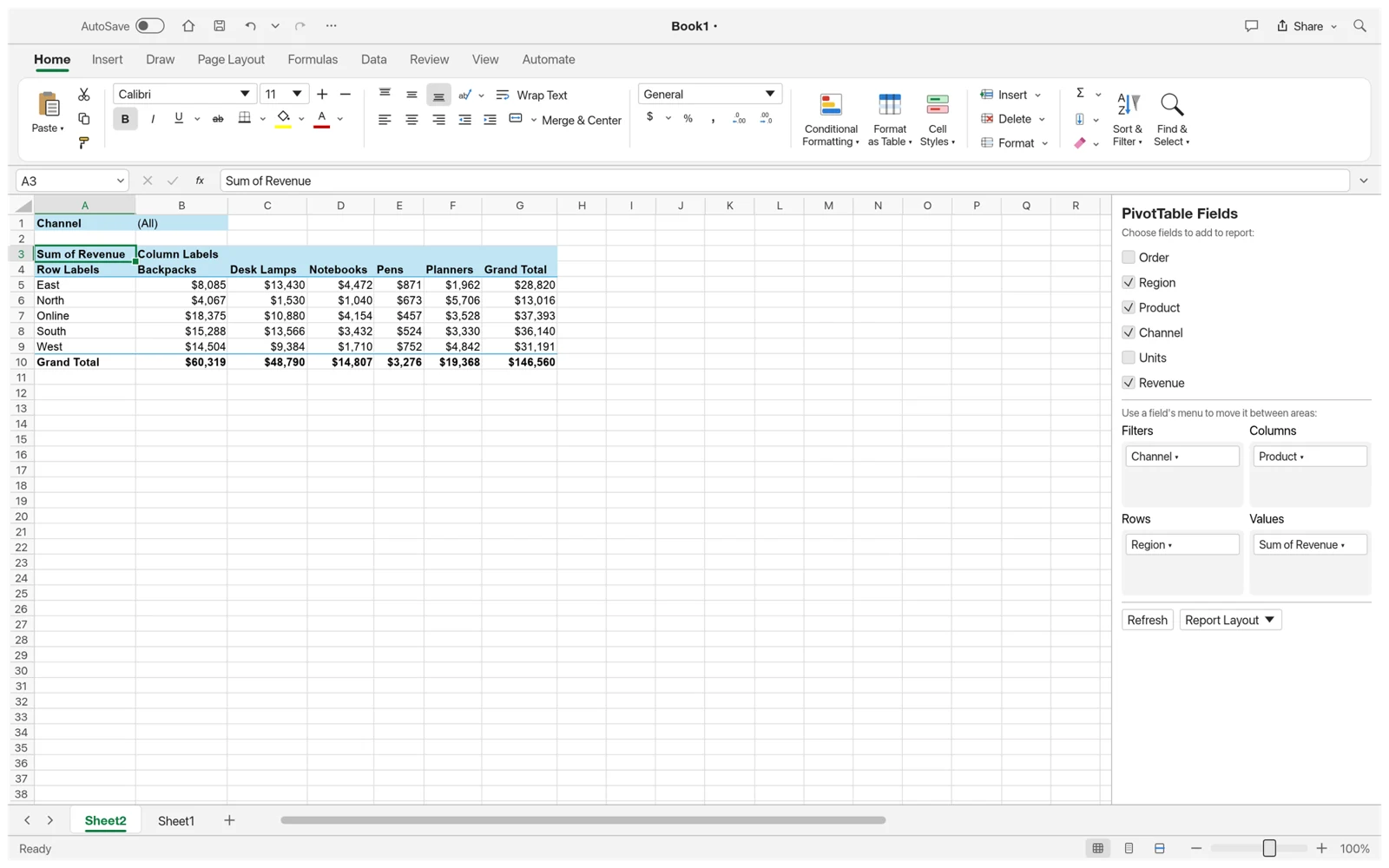
A sales team maintains a shared forecast and several people update it during the same meeting. Here, the file is only one part of the job. Ownership, simultaneous changes, version history and access management matter too. Before moving that task, verify the complete collaboration workflow. This site’s local GridCraft editor does not provide a replacement for that shared-document process simply because it can display the spreadsheet.
An operations workbook refreshes external data and runs a VBA report every morning. The decisive test is whether the automation still runs, not whether the cells look familiar. GridCraft does not execute existing VBA, so keep a supported Excel desktop workflow for that dependency. You can still explore GridCraft with a separate exported data snapshot, provided nobody mistakes that snapshot for the automated source.
Make a decision scorecard for one workbook
List your requirements in two groups: must-have and useful. A must-have is something whose failure prevents the task from being completed, such as running an existing macro or sending an editable file to a customer. A useful feature makes the task easier but has an acceptable alternative. This prevents an attractive interface or one missing convenience from dominating a more important requirement.
Give each requirement an observable pass condition. Instead of writing “good compatibility,” write “the saved file opens in the recipient’s Excel without a repair prompt, and these three formulas match.” Instead of “easy sharing,” write down who edits, who only reads and how everyone finds the current version. Evaluate both products against the same conditions rather than relying on a general feature count.
| Requirement | Pass condition |
|---|---|
| Calculation | Known inputs produce the same checked totals before and after saving. |
| Presentation | The chart labels, number formats and exported layout meet the recipient’s needs. |
| Automation | The required refresh or script actually completes the real task. |
| Handoff | The next person can open, inspect and continue editing the right file. |
Include the cost of changing your routine
A free application can still require time to evaluate, document and teach. Count the repetitive steps you would gain or lose: downloading files, checking exported copies, explaining a new interface and fixing mismatches. For a single personal sheet, that overhead may be small. For a team passing workbooks between several systems, it can outweigh a difference in software price.
Avoid comparing a paid Excel desktop license with GridCraft without checking which Excel capabilities you actually use. If a free web edition already covers a simple collaborative task, that is a different comparison from an offline workbook with VBA. Conversely, a preference for local files or inspectable source code can be a real requirement even when a cloud option is inexpensive.
A gradual trial is easier to reverse than an all-at-once migration. Pick one low-dependency task, keep the original format and review it after a full work cycle. If it fits, expand the trial to another task. If it does not, you have learned which requirement failed without disrupting every workbook or asking colleagues to change tools before the evidence is available.
Questions that change the decision
Is GridCraft a free Excel replacement?
It is a free, open-source spreadsheet with an Excel-style workflow. Whether it replaces Excel for you depends on your files and required features. Also compare it fairly with Excel’s free web edition, not only with paid desktop plans.
Is GridCraft faster than Excel?
This guide does not establish a speed winner. A fair benchmark needs the same workbook, hardware, operation and measurement method. Time the task you actually repeat and check that both tools produce the same result.
Does using it online mean the file is shared?
No. In this site’s GridCraft editor, opening and saving are local file actions. Sending someone the editor link does not send them your workbook or your unsaved changes.
Can I use both tools instead of choosing only one?
Yes, provided you define which file is authoritative and test the exchange format. For example, keep a dependency-heavy source workbook in Excel and use a separate GridCraft copy for exploration. Make the relationship clear so edits in a downloaded copy are not silently lost when someone returns to the original.
Should the same choice apply to every colleague?
Not necessarily. The person building a report may need capabilities that a reader does not. Decide based on editing, automation and handoff requirements for each role. A shared standard can simplify support, but it should follow the real workflow rather than a general claim that one app is best for everyone.
Sources and version notes
Feature details refer to the linked version. Follow the upstream release notes when using a different build.