
Spreadsheets, with an open mind.
GridCraft. Clarity, cell by cell.
The open-source spreadsheet from ArtCraft. Explore your numbers, find your formulas, and make room for better work.
| A | B | |
|---|---|---|
| 1 | Rent | |
| 2 | Groceries | |
| 3 | Travel | |
| 4 | Total |
Try changing a value. The total follows.
ƒx =SUM(B1:B3)An open-source spreadsheet, a familiar way of thinking. GridCraft brings cells, formulas and XLSX files together in an app you can explore on your own terms.
Explore the official open-source projectYour GridCraft ArtCraft guide.
GridCraft is the spreadsheet application from ArtCraft, an open-source software studio. Written in Rust, it combines an Excel-style ribbon, worksheet tabs and a formula bar with a calculation engine that runs on desktop computers and in the browser through WebAssembly.
Think of it as another place to explore a workbook, rather than a promise that every Excel feature will behave identically. It is useful to try a household budget, a class gradebook or a sales summary and see how the workflow feels. This independent site brings together the official browser build, practical tutorials and direct release links. The software comes from ArtCraft; the guidance and website are maintained separately.
Explore the official open-source projectOpen an XLSX. Keep the original.
Start with a copy of a small Excel workbook. In the GridCraft online editor, use the file-open control to select an XLSX file from your computer. Inspect the sheet names, column widths, number formats and a few formulas before making changes. XLSX is GridCraft’s native format, but an alpha application can interpret complex files differently. For everyday experiments, a short expense sheet is a better first test than a business-critical financial model. When you finish, use Save As to download an XLSX copy and reopen it to check your work.
Read the XLSX quick startLet the cells do the calculation.
Build confidence with a calculation you can verify yourself. Enter a few amounts, total them with SUM, then use IF to label a value above a chosen threshold. Change one source cell and watch the result update. The upstream project documents more than 500 worksheet functions, including dynamic array features, LET and LAMBDA. That breadth gives you room to explore, but it does not replace checking your own results. Workbooks using specialist Excel functions, external data or macros need separate evaluation. Our formula tutorial starts with small, reproducible examples.
Practice SUM and IFFind the story behind a table.
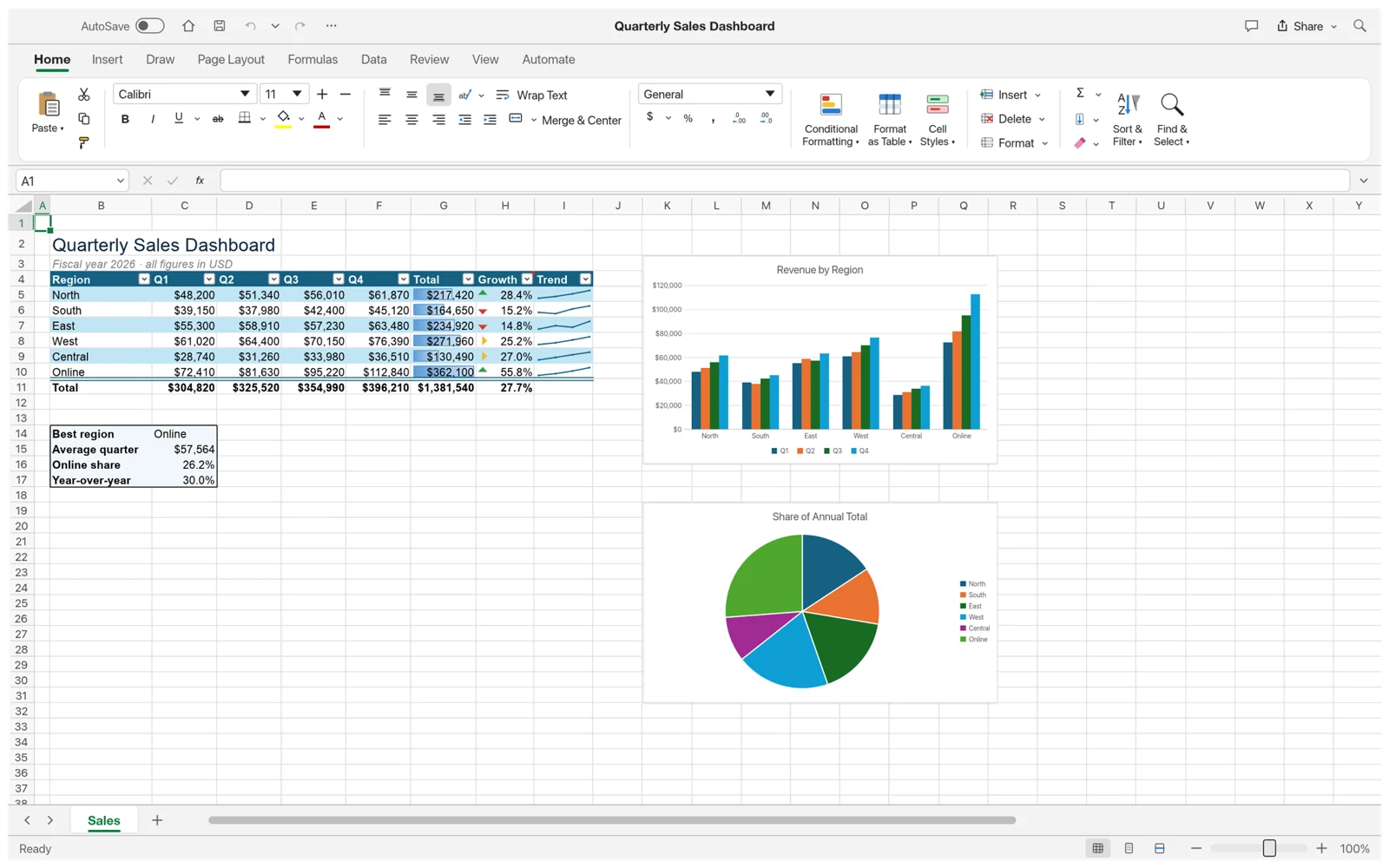
A useful spreadsheet makes a pattern easier to see. Keep one kind of record per row, use clear column headings and give dates and amounts consistent formats. Then explore a chart for a quick comparison, or a PivotTable to group repeated categories. GridCraft’s sample sales workbook shows how tables and charts can share the same source data. For a budget, compare planned and actual spending; for a gradebook, inspect averages before assigning labels. Begin with a simple question, keep the underlying values visible and verify that a summary includes the intended rows.
Explore charts and PivotTablesFamiliar tools. An open foundation.
GridCraft follows a recognisable spreadsheet workflow: edit cells, apply number formats, organise a table and build a chart. Its local calculation engine keeps the interaction close to your data. You can inspect the open-source project, choose a desktop package or try this hosted web build before installing anything.
- XLSX is the native file format.
- More than 500 spreadsheet functions.
- Rust and WebAssembly power local calculations.
Still in alpha. Keep a backup and save your work before closing.
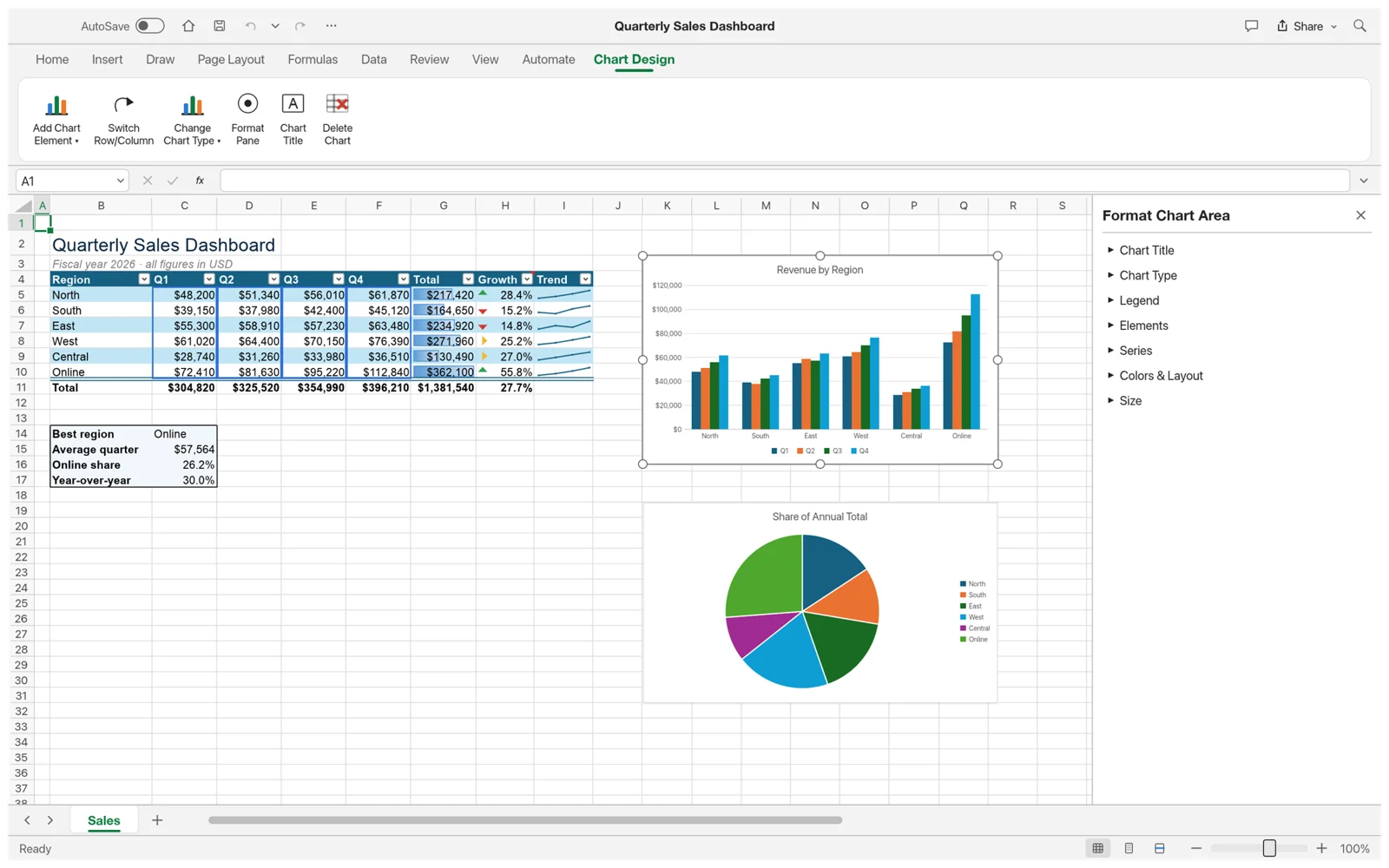 Formatting and charts in the upstream GridCraft app.
A good place to learn GridCraft.
Short, practical GridCraft tutorials for a first workbook, a working formula and a clearer view of your data. Each guide includes an example you can try in the editor.
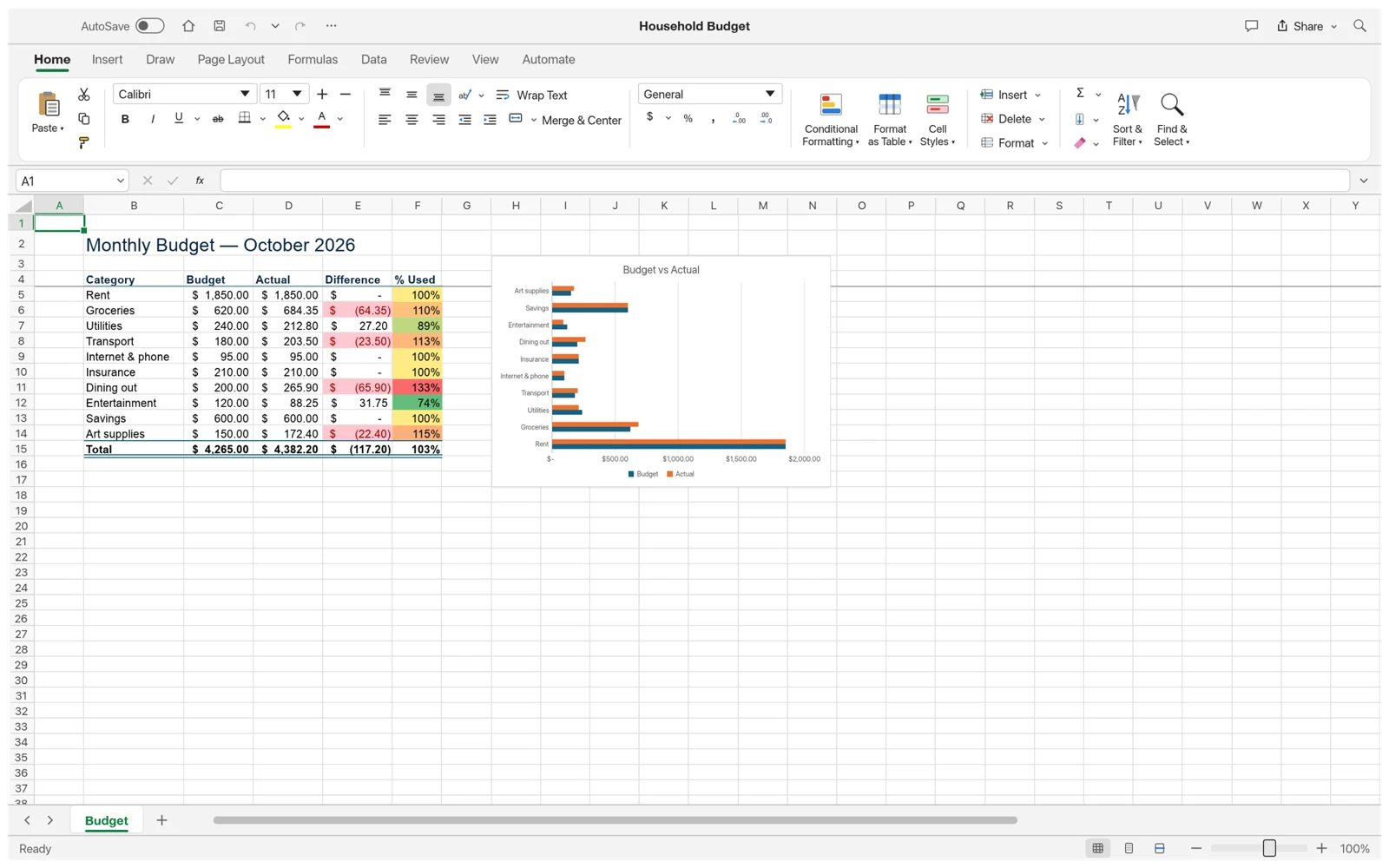
Open, edit and save your first XLSX.
Open an XLSX file, edit a few cells and save a copy you can keep.
Read guide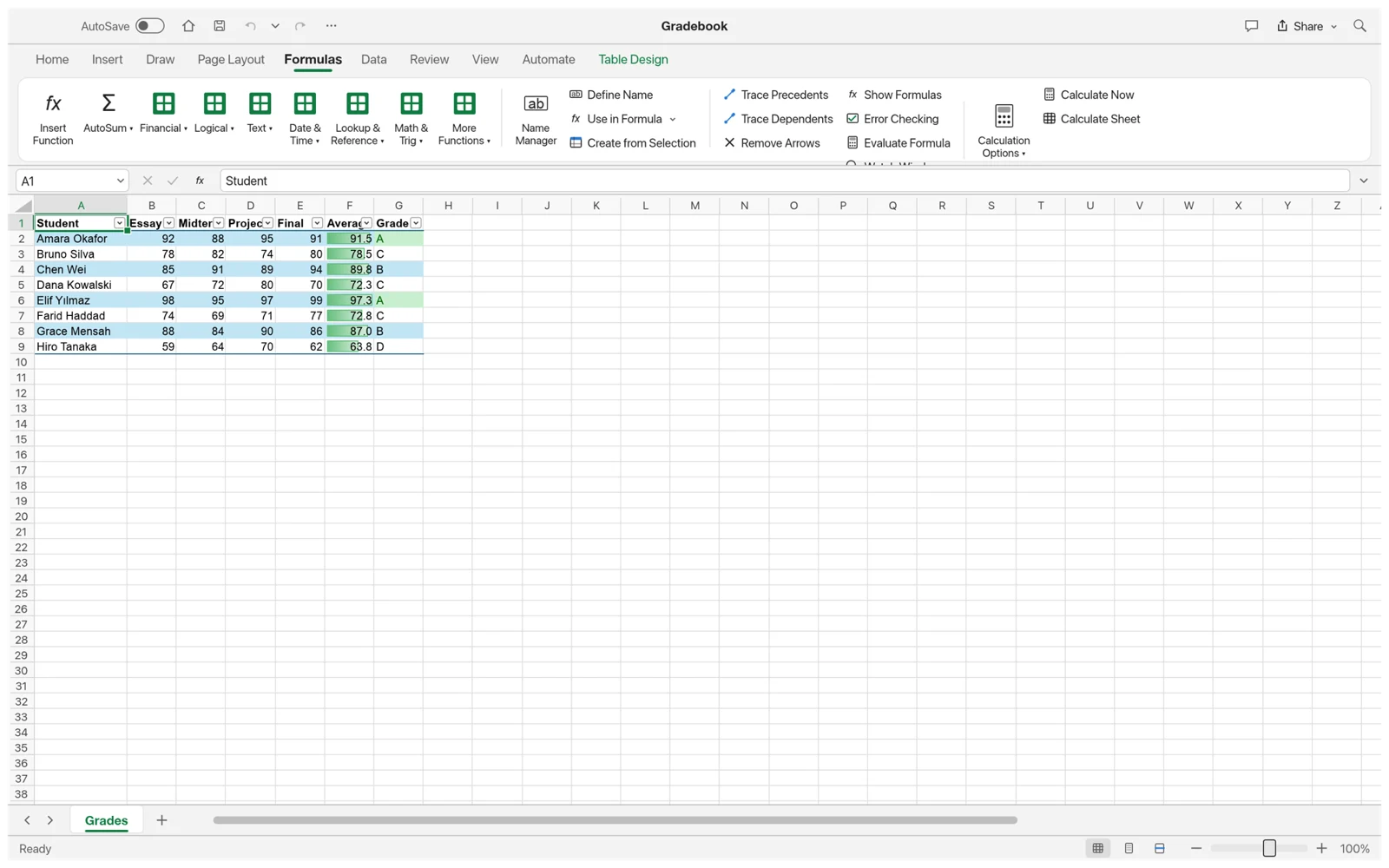
Make SUM and IF work for you.
Use SUM for a total and IF to turn a number into a useful decision.
Read guide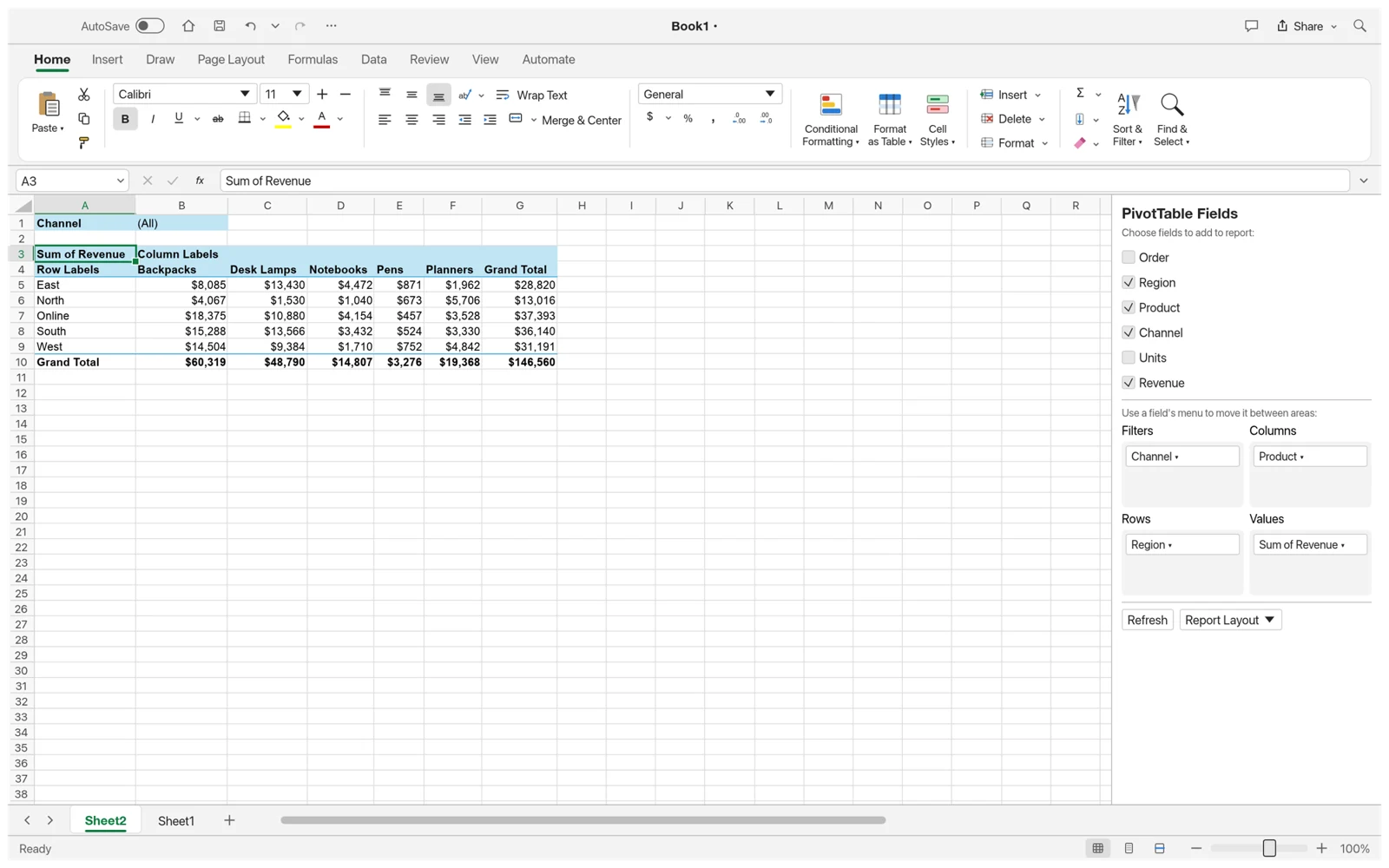
Turn a table into a clearer picture.
Prepare a small data table, then explore charts and PivotTables in the desktop app.
Read guideTry the guides with a copy of your workbook. Alpha features may change.
GridCraft vs Excel. Choose with context.
GridCraft is a free, open-source Excel alternative for exploring local spreadsheet work. Microsoft Excel offers a mature ecosystem, desktop VBA and established collaboration through Microsoft 365. Choose around the files and workflows you actually use, especially if colleagues depend on a shared workbook.
| What matters | GridCraftOpen-source spreadsheet | Microsoft ExcelMicrosoft spreadsheet suite |
|---|---|---|
| License | Open source: MIT / Apache 2.0 | Proprietary |
| Cost | Free to use | Free web option; paid desktop options |
| Platforms | Windows, macOS, Linux and web | Windows, macOS and web |
| Typical workflow | Local XLSX files and local calculation | Desktop files and OneDrive collaboration |
| VBA macros | Not supported | Supported in desktop Excel |
| Product stage | Alpha; expect compatibility gaps | Established product and ecosystem |
Check the official sources for current capabilities. Test important files before switching.
Download GridCraft. Make it yours.
Find a GridCraft download for Windows, macOS or Linux below. These links point to the official ArtCraft project’s v0.7.0 GitHub release. Match the package to your operating system and processor; other architectures are listed on the releases page. Read the release notes before updating, and keep an original copy of each important workbook.
Prefer to stay in your browser?Open the workspace
GridCraft for macOS
Universal installer: Apple silicon and Intel
Download for macOS- 01
Download and open the .dmg file.
- 02
Drag GridCraft into your Applications folder.
- 03
Open GridCraft from Applications, then open a copy of your XLSX workbook.
Alpha software: save before closing, keep backups and check important formulas after importing.
Before your first workbook.
The practical details, before your next workbook.
Visit the ArtCraft communityIs GridCraft ArtCraft free?
Yes. The upstream GridCraft project is free to use and dual-licensed under MIT and Apache 2.0. Its source code is available on GitHub.
Is this the official GridCraft website?
No. This is an independent learning site and browser workspace. GridCraft is developed by the upstream Storytold / ArtCraft project. Official downloads link directly to its GitHub releases.
Can GridCraft open Excel XLSX files?
GridCraft uses XLSX as its native format, but it is still in alpha. Complex formatting, advanced formulas and other Excel features may not round-trip exactly. Test a copy and keep your original file.
Can I use GridCraft online without installing it?
Yes. Launch GridCraft online from this site to use the official WebAssembly build. Workbook processing happens locally in your browser. Use File > Save As and the download control to keep your changes as XLSX. Closing or refreshing the tab can lose unsaved work; browser downloads remain your responsibility.
Will my VBA macros run?
No. GridCraft does not support VBA macros. Keep macro-dependent workbooks in a tool that supports them, such as desktop Microsoft Excel.
Your next idea has a place to start.
Try GridCraft online with a sample workbook. No installation or account required for the editor.
Try it in your browser